salam alikom dans le but de réer ma nouvelle boite dans le domaine de l’étanchéité et du bardage je cherche deux étancheurs qualifié et deux spécialistes dans la pose du bardage expérience 3ans minimum de préférence sur l'axe Alger/Boumerdes salaire fixe plus prime selon la qualité du travail
Vous pouvez publier maintenant et vous inscrire plus tard.
Si vous avez un compte, connectez-vous maintenant pour publier avec votre compte.
Remarque: votre message nécessitera l’approbation d’un modérateur avant de pouvoir être visible.





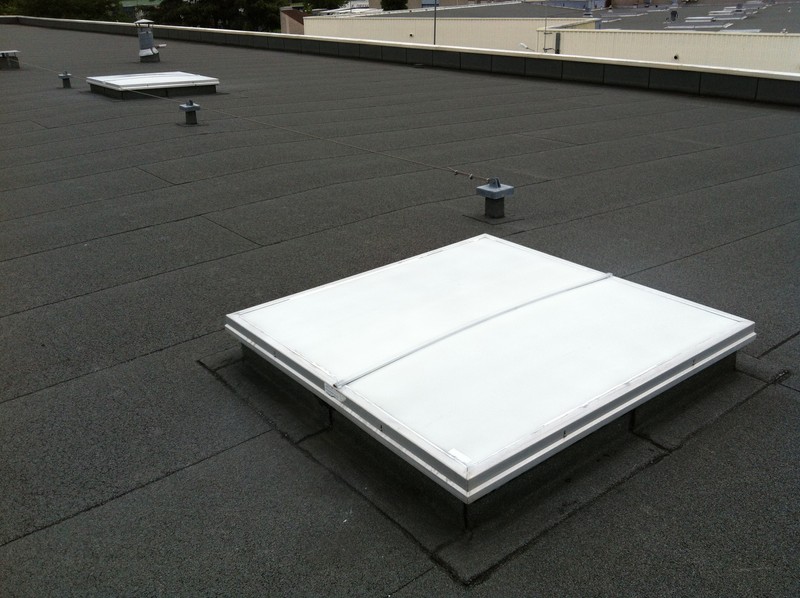
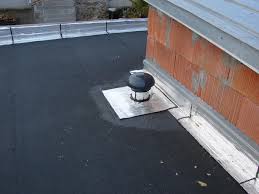
comment_102197salam alikom dans le but de réer ma nouvelle boite dans le domaine de l’étanchéité et du bardage je cherche deux étancheurs qualifié et deux spécialistes dans la pose du bardage expérience 3ans minimum de préférence sur l'axe Alger/Boumerdes salaire fixe plus prime selon la qualité du travail