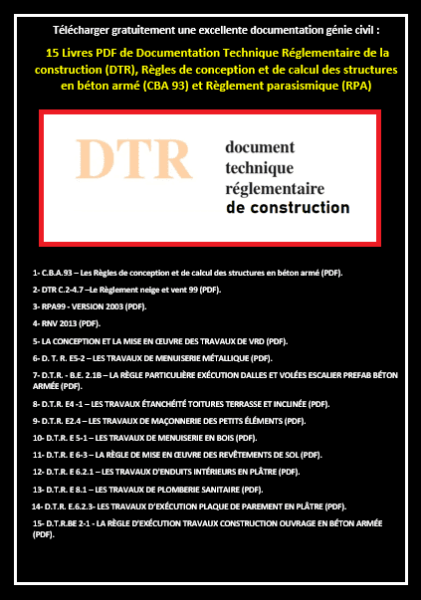
Posté(e) Avril 13, 20233 a comment_193972 1) CBA93 – Les Règles de conception et de calcul des structures en béton armé (PDF). 2) DTR C.2-4.7 –Le Règlement neige et vent 99 (PDF). 3) RPA99 - VERSION 2003 (PDF) 4) Règlement Neige et Vent version 2013 (PDF). 5) LA CONCEPTION ET LA MISE EN ŒUVRE DES TRAVAUX DE VRD (PDF). 6) DTR E5-2 – LES TRAVAUX DE MENUISERIE MÉTALLIQUE (PDF). 7) DTR - B.E. 2.1B – LA RÈGLE PARTICULIÈRE EXÉCUTION DALLES ET VOLÉES ESCALIER PREFAB BÉTON ARMÉE (PDF). 😎 DTR E.4-1 – LES TRAVAUX ÉTANCHÉITÉ TOITURES TERRASSE ET INCLINÉE (PDF). 9) DTR E.2.4 – LES TRAVAUX DE MAÇONNERIE DES PETITS ÉLÉMENTS (PDF). 10) DTR E.5-1 – LES TRAVAUX DE MENUISERIE EN BOIS (PDF). 11) DTR E.6-3 – LA RÈGLE DE MISE EN ŒUVRE DES REVÊTEMENTS DE SOL (PDF). 12) DTR E.6.2.1 – LES TRAVAUX D'ENDUITS INTÉRIEURS EN PLÂTRE (PDF). 13) DTR E.8.1 – LES TRAVAUX DE PLOMBERIE SANITAIRE (PDF). 14) DTR E.6.2.3- LES TRAVAUX D’EXÉCUTION PLAQUE DE PAREMENT EN PLÂTRE (PDF). 15) DTR BE 2-1 - LA RÈGLE D’EXÉCUTION TRAVAUX CONSTRUCTION OUVRAGE EN BÉTON ARMÉE (PDF).





comment_1939721) CBA93 – Les Règles de conception et de calcul des structures en béton armé (PDF).
2) DTR C.2-4.7 –Le Règlement neige et vent 99 (PDF).