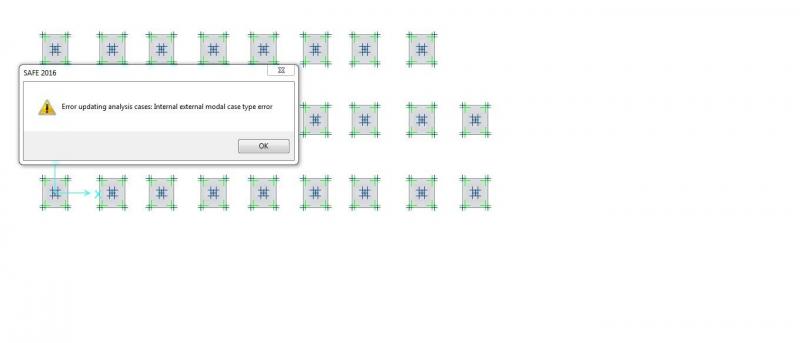
Posté(e) Decembre 24, 20187 a comment_131649 Bonsoir, J'ai des fondations à calculer avec le logiciel SAFE 2016, lorsque j’exécute le calcul il m'affiche ce message d'erreur, aider moi SVP Sachant que j'ai importer le fichier a partir du fichier (effort des fondations) ETABS
Janvier 3, 20197 a comment_131768 Le 24/12/2018 à 22:08, abdelhakaouadi a dit : Bonsoir, J'ai des fondations à calculer avec le logiciel SAFE 2016, lorsque j’exécute le calcul il m'affiche ce message d'erreur, aider moi SVP Sachant que j'ai importer le fichier a partir du fichier (effort des fondations) ETABS Bonjour, Il suffit de supprimer le cas de charge modal, si vous avez l'exporter de ETABS.
Janvier 20, 20197 a comment_132077 Le 24/12/2018 à 22:08, abdelhakaouadi a dit : Bonsoir, J'ai des fondations à calculer avec le logiciel SAFE 2016, lorsque j’exécute le calcul il m'affiche ce message d'erreur, aider moi SVP Sachant que j'ai importer le fichier a partir du fichier (effort des fondations) ETABS Monsieur Abdelhak, pouvez vous nous donner une brève explication sur le logiciel SAFE



comment_131649Bonsoir,
J'ai des fondations à calculer avec le logiciel SAFE 2016, lorsque j’exécute le calcul il m'affiche ce message d'erreur, aider moi SVP
Sachant que j'ai importer le fichier a partir du fichier (effort des fondations) ETABS