Dlubal Software vous invite à assister à son prochain webinaire intitulé "Conception et calcul de charpente métallique selon EC3", le mercredi 28 février 2018.
Au programme :
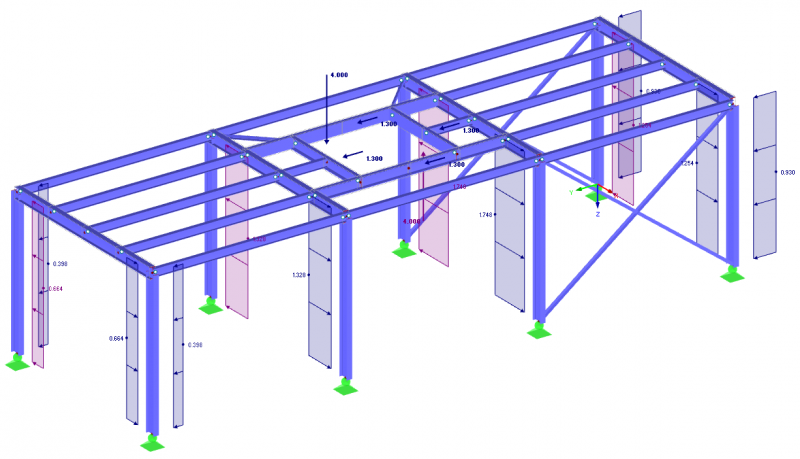
- Modélisation et chargement d'une structure métallique
- Vérification des barres en acier selon l'Eurocode 3
- Création et calcul d'assemblages avec RF-FRAME JOINT Pro et RF-JOINTS
Le webinaire est évidemment gratuit, l'inscription est cependant obligatoire.
Vous pouvez publier maintenant et vous inscrire plus tard.
Si vous avez un compte, connectez-vous maintenant pour publier avec votre compte.
Remarque: votre message nécessitera l’approbation d’un modérateur avant de pouvoir être visible.

- Membres
comment_124331Dlubal Software vous invite à assister à son prochain webinaire intitulé "Conception et calcul de charpente métallique selon EC3", le mercredi 28 février 2018.
Au programme :
- Modélisation et chargement d'une structure métallique
- Vérification des barres en acier selon l'Eurocode 3
- Création et calcul d'assemblages avec RF-FRAME JOINT Pro et RF-JOINTS
Le webinaire est évidemment gratuit, l'inscription est cependant obligatoire.
Lien d'inscription : https://register.gotowebinar.com/register/3109157579501040899
Plus d'informations : https://www.dlubal.com/fr/support-et-formation/apprentissage/webinaires/2018/2018-02-28-conception-et-calcul-de-charpente-metallique-selon-ec3